Running Challenges Local
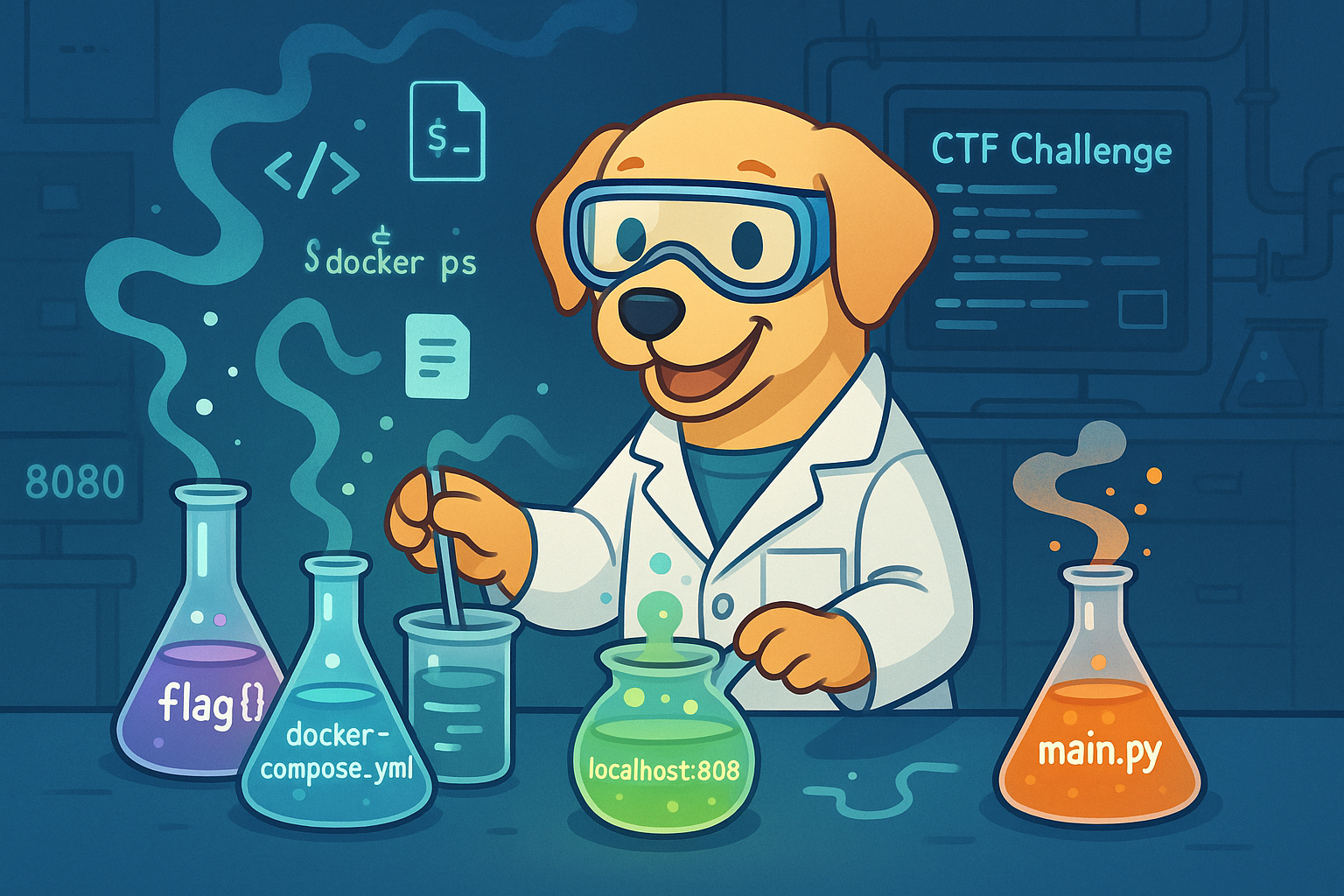
Imagine signing up for a CTF challenge and finding not only a port/IP to connect to, but a bunch of files too. You’ve likey been handed a Docker container or a bundle of source code. For many new players, this is confusing – are you supposed to run the challenge yourself? Yes! CTF challenge materials often include crucial information that the creator has given you, sometimes an entire playground to set up on your own machine. Rather than attacking a distant server, blindly, you’ll be launching the server (or program) locally and interacting with it right on your own computer. This might feel unusual at first, but it’s actually an invitation to dive deeper. You get to peek “under the hood” and freely restart or tinker with the challenge without worrying about crashing a shared remote service. It’s your own sandboxed arena, so dive in!
Running the challenge locally lets you step into the shoes of the creator. You can explore how it works, restart it whenever you want, and dig into files or code that are usually hidden. Some challenges expect you to run it locally to spot things you'd never notice as a remote attacker. This mindset shift is powerful: instead of just a hacker, be a curious investigator. Poke around the files, read any docs or comments, and consider What did they intend me to learn here?
So, what should you do when given extra files with your challenge?
First, get it running.
Navigate to the challenge directory and launch the environment – usually the instructions or files hint at how.
Often it’s as straightforward as running docker compose up (or a similar command) to spin up the service in a Docker container
Once it’s running, find the exposed port (docker ps and config files can help), then connect like you would with any remote challenge - browser, curl, nc.
The key difference? This time, you control the whole environment.